Many time we want to set ToolTip for our reports. It can give helpful information for the field in Reports. Also if we set description for Report it can give handful information for Reports. Lets see how we can set it.
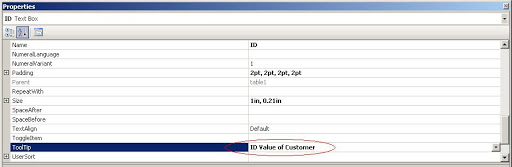
To set Tool Tips
Select Control. Right Click and select Properties. Select ToolTip option. Here we can set tooltip for the control.
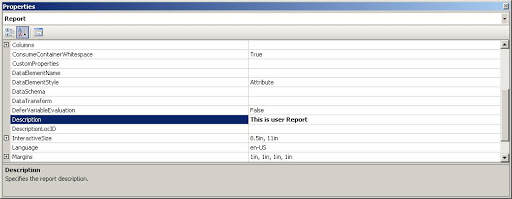
 To Set Report Description
If we have set report description it can provide handful information for reports. In Report Properties there is one property Description. Here you can set description for the report.
 Lets SQL
Leave a comment