Recently we had hardware and performance issues on SQL Server,with our client , so while monitoring the system we also looked at error log. We used xp_readerrorlog procedure.
This is really useful procedure and I feel I should share some information for this undocumented store procedures
xp_readerrorlog has four parameters
here 0 stands for file number where latest file has 0 number and subsequent rolled over file has incremented number. So this will display current errorlog file while incremented number will subsequent show rolled over file for
here secound parameter has two values
1. error log
2 agent log
yes we can get agent log also from this proc 🙂
EXEC Xp_readerrorlog 0, 1
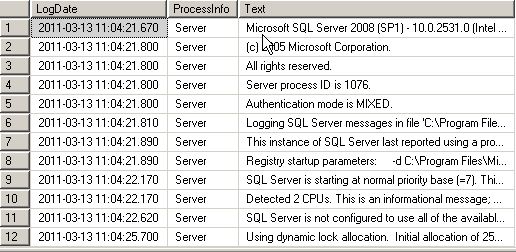
EXEC Xp_readerrorlog 0, 1
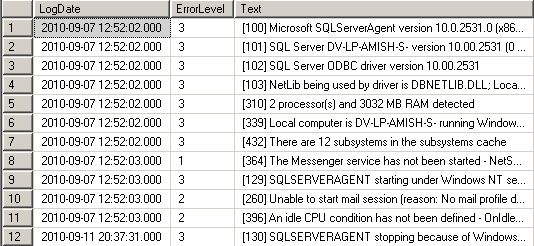
This will search for string which has ‘dbcc’ word in it
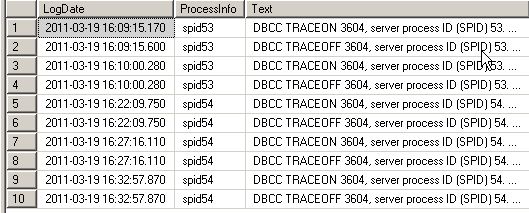
this will filter result set more and give result which has both ‘dbcc’ and ‘traceon’ words in it

 Lets SQL
April 1, 2012 at 1:29 pm |
exec xp_readerrorlog 0, 1, N'DBCC', N'3604', '20120401', '20120401 18:00';5) '20120401' – StartTime6) '20120401 18:00' – EndTime
April 9, 2012 at 8:33 pm |
nice work
October 26, 2012 at 2:41 pm |
seventh parameter: sort orderexec xp_readerrorlog 0, 1, N'DBCC', N'3604', '20120901', '20121026 12:00', 'DESC'